The Levels of AI in Recruiting Software: From Assistant to Agent-Native
—— Read time: 7 min
The short answer
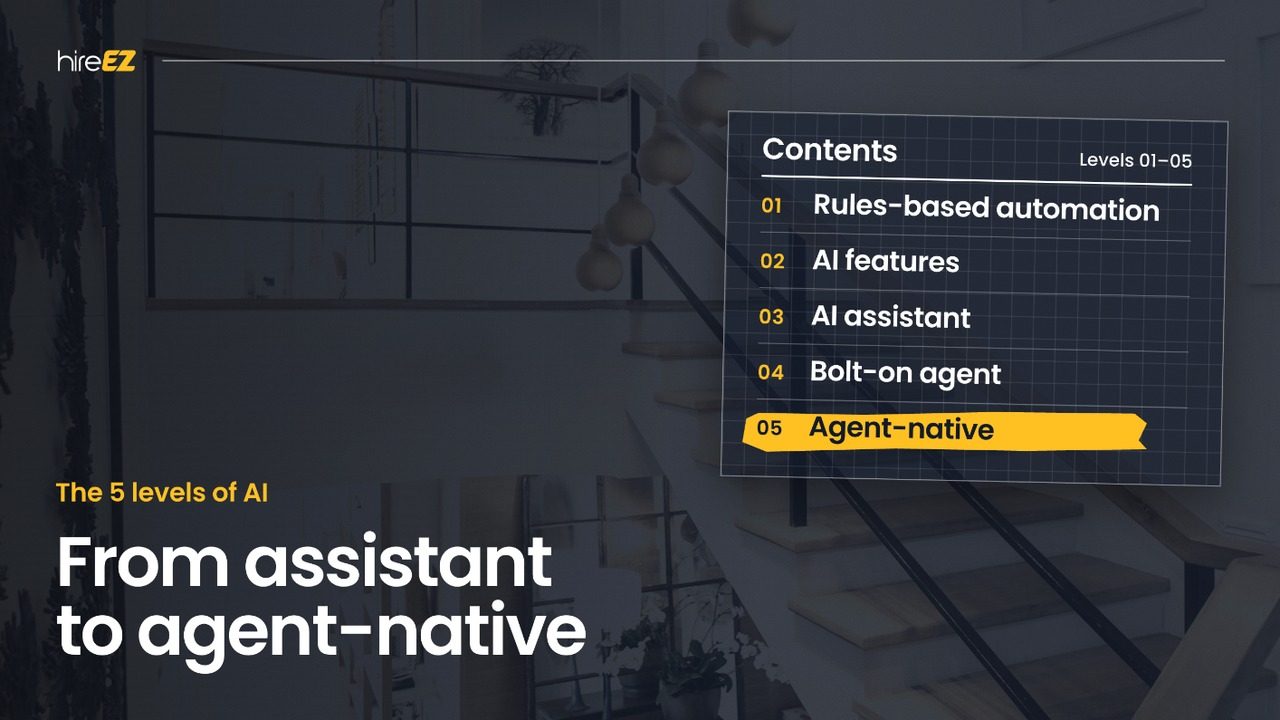
AI in recruiting software has moved through five levels: rules-based automation, AI features, AI assistants, bolt-on agents and agent-native platforms. The difference between them isn't how much AI is inside. It's who does the work: at the lower levels, software suggests and recruiters carry out every step; at the top, recruiters direct and software carries out the steps, with people still making the decisions.
Most enterprise stacks today sit between levels 2 and 4, with AI features and a few task-specific agents spread across separate tools. Moving up doesn't require replacing the ATS. It requires a layer that can carry work across stages on one data foundation.
Why "it has AI" isn't the useful question
Every recruiting product now says it uses AI, and nearly every demo includes a chat box. That makes the label useless for planning: two products can both claim AI and differ completely in how much work they take off your team.
The more useful question is what level of work the software does. That decides three things a TA leader has to plan for:
Capacity. Whether the team can carry more reqs, or just gets better suggestions while doing the same steps.
Stack design. Whether you're adding another tool to coordinate, or consolidating tools into one layer.
Governance. What the software does without a person, and where approvals sit.
The five levels at a glance
Level
What it is
What the software does
What the recruiter still does
1. Rules-based automation
Triggers, templates and knockout questions
Follows fixed rules set in advance
Configures the rules, then makes every judgment and handoff
2. AI features
Resume parsing, match scores, suggested candidates, writing help
Predicts and suggests inside one page
Decides, then carries out each step
3. AI assistant
A chat helper inside the product
Answers questions, drafts and summarizes on request
Drives the workflow and asks for help step by step
4. Bolt-on agent
An agent added to one module, such as sourcing or scheduling
Carries out a multi-step task inside that module
Coordinates between agents and modules, and moves work between them
5. Agent-native platform
Software designed around the agent
Takes a brief, plans and carries out work across stages on one data foundation, and comes back with options
Briefs the agent, reviews options and makes the decisions
Each level keeps what came before. An agent-native platform still uses rules, AI features and conversation; what changes is that the agent, not the recruiter, connects them.
What each level gets right, and where it stops
Level 1: Rules-based automation
Rules are predictable and easy to audit, which is why every ATS still runs on them: auto-acknowledgments, status triggers, knockout questions. They stop where judgment starts. A rule can't tell a strong career changer from a weak keyword match, so every exception lands back on a recruiter.
Level 2: AI features
AI features bring prediction to single steps: parsing a resume, scoring a match, suggesting similar candidates, drafting a message. Each one helps, but each lives on its own page. The recruiter still decides what to do with every suggestion and carries the work to the next step.
Level 3: AI assistant
An assistant adds conversation: ask a question, get a summary or a draft. It's faster than clicking, but it responds rather than acts, and it usually sees only the page it sits on. The recruiter still drives the workflow one request at a time.
Level 4: Bolt-on agent
A bolt-on agent carries out a multi-step task inside its module, such as running a sourcing search or booking interviews. That's real progress. But each agent works within its own module and data, so a team with several agents ends up coordinating agents instead of tasks, and the handoffs between them stay manual.
Level 5: Agent-native platform
An agent-native platform is designed around the agent. A recruiter briefs it in plain language; it plans the work, asks what's missing, carries out steps across sourcing, outreach, screening and scheduling on one data foundation, and comes back with options. Recruiters stop operating software and start directing it, while decisions about candidates stay with them.
Where is your stack today? A self-check
Answer these six questions about the tools your recruiters use every day, and count the yes answers:
Can a recruiter ask for an outcome in plain language, instead of clicking through each step?
Does the AI carry out steps itself, rather than only suggesting them?
Can one request move work from one stage to the next, such as from a shortlist to outreach, without a recruiter re-entering anything?
Does the system ask what's missing when a brief is incomplete?
Do sourcing, outreach, screening and scheduling work from the same candidate data?
Can you set what the AI does on its own, and where a person has to approve?
How to read your score:
0–1 yes: levels 1–2. AI helps at single steps, and recruiters do all the connecting.
2–3 yes: levels 3–4. You have assistants or task agents, but the handoffs between them are still your team's job.
4–6 yes: at or near level 5. The remaining gaps are usually approvals and shared data.
Why most enterprise stacks are stuck between levels 2 and 4
Most enterprise recruiting stacks weren't designed; they accumulated. A sourcing tool, a CRM, a scheduling app and a screening tool were each bought to fix one step, and each has since added its own AI features and, more recently, its own agent.
The result is a new kind of sprawl. Instead of five tools to log into, a team now has several agents to brief, each working from its own data and stopping at the edge of its own module. The coordination work hasn't gone away; it has moved from tasks to agents. Connecting those agents usually means building a coordinating layer yourself, which is the old integration problem in a new form.
That's why adding another agent rarely moves a team up a level. Moving up means changing where the work connects, not adding more places where work happens. For a closer look at what an assembled agent stack costs to run, see hireEZ Alternatives.
How to move up a level without replacing your ATS
You don't need a new system of record to reach level 5. The ATS stays where it is; what changes is the layer on top of it. A practical path:
Start from your data. Agents are only as good as the candidate records they work from, so connect and refresh what's already in your ATS before adding anything new.
Pick one workflow and one live req. Choose a high-volume or hard-to-fill role and run it end to end, from brief to scheduled interview, on a single platform.
Decide the approvals up front. Agree which steps the agent can take on its own, such as drafting and scheduling logistics, and which need a person, such as advancing or declining a candidate.
Retire handoffs, not people. Find where work used to wait between tools, and remove those waits.
Measure cycle time and capacity. Track time from req to shortlist and to scheduled interview, and how many reqs each recruiter can carry. Those numbers show whether you've really moved up a level.
Expand by stage, then by team. Add stages as the first workflow proves out, then roll out to other teams with the same approval rules.
How hireEZ approaches it
Every recruiting platform, ours included, worked its way up these levels, starting with an assistant added to existing software. EZ Agent is hireEZ's level 5: an agent-native platform on top of the ATS you already run.
Recruiters brief it in plain language. It plans the work, researches the open web when a task calls for it, asks what's missing, and works across sourcing, outreach, screening and scheduling on one data foundation. It comes back with options and doesn't make decisions on your behalf without your approval. For the full picture, see What Does hireEZ Do?.
Five: rules-based automation, AI features, AI assistants, bolt-on agents and agent-native platforms. Each level moves more of the work from the recruiter to the software, while decisions about candidates stay with people.
What's the difference between an AI assistant and an AI agent in recruiting?
An assistant responds: it answers questions and drafts content when asked, usually on one page. An agent acts: it carries out multi-step tasks. A bolt-on agent acts inside one module; an agent-native platform acts across the workflow.
What level of AI should an enterprise TA team aim for?
The level that removes the most handoffs for your team. For most enterprise teams running several tools, that means moving from task-specific agents to one agent-native layer on top of the ATS, with clear approval rules.
Is a higher level of AI always better?
Not if it removes control. The goal is to move coordination work to software while keeping decisions about candidates with people. A well-designed agent-native platform asks before it acts on anything that matters.
Do you need to replace your ATS to reach agent-native?
No. The ATS stays the system of record. An agent-native platform works on top of it, using its data and writing results back.